Cafeteria
Today's menu, and the counter's takings.
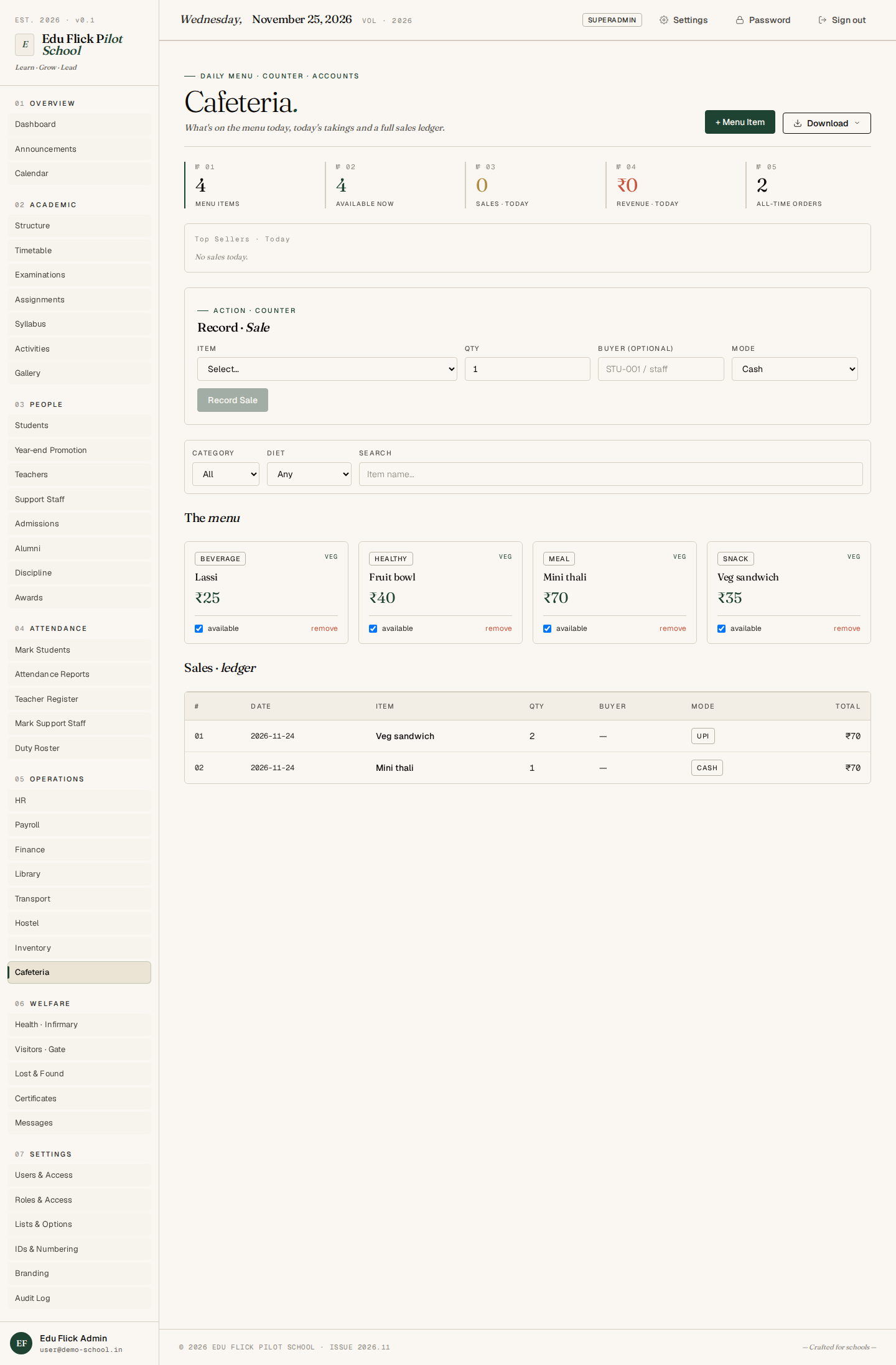
Menu items, availability, sales and best sellers.
Everyone can see what the cafeteria serves; the counter records sales and sees the day's takings.
Where to find it: Operations → Cafeteria.
Who uses it
Roles
- Everyone in the school sees the menu (with "available" or "sold out").
- SuperAdmin, Principal, HR and Accountant manage the menu and record sales.
What you can do
Today · live
- Add menu items: name, category, price, vegetarian or not, notes; mark items available or sold out.
- Record a sale: item, quantity, buyer, payment mode.
- See today's takings, orders and best sellers.
How to
Record a sale
- Pick the item and quantity, the buyer if you like and the payment mode, then Record Sale.
Good to know
Rules the system applies
- A sale keeps the price the item had when it was sold, even if the menu price changes later.
- Items marked sold out can't be sold.