Visitors & gate
Know who is inside the gate right now.
A gate register with pass numbers, purposes and check-out times.
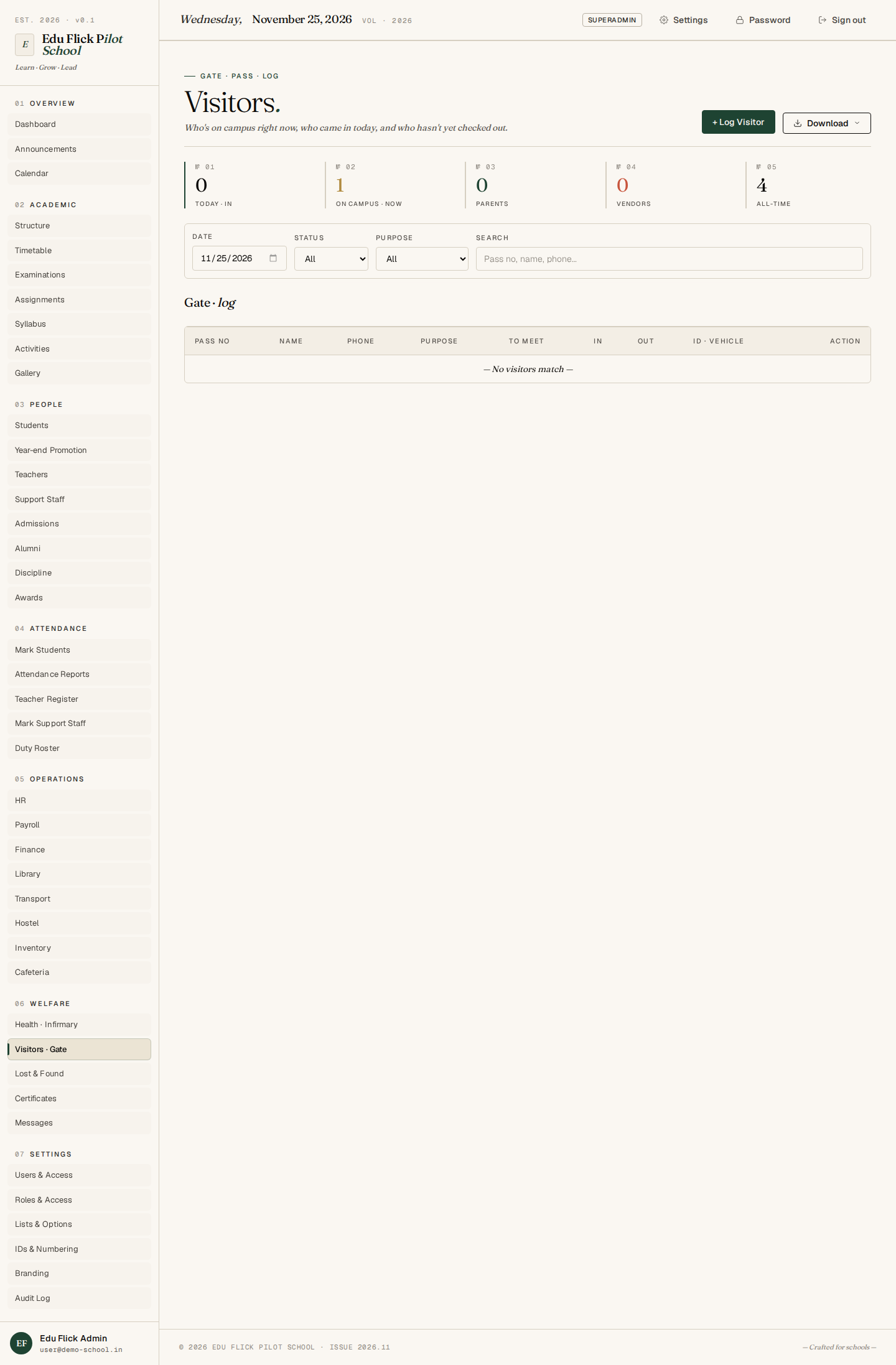
Log every visitor at the gate, issue a numbered pass, and see who is still on campus.
Where to find it: Welfare → Visitors · Gate.
Who uses it
Roles
- SuperAdmin, Principal and HR (front-desk staff).
What you can do
Today · live
- Log a visitor: name, phone, ID type and number, purpose, whom they are meeting, vehicle number.
- Check a visitor out with one click.
- Filter by date, by "on campus / left", and by purpose; search by name, phone or pass.
- Download the day's log as CSV or print it.
How to
Log a visitor
- Click + Log Visitor, fill in the details and click Issue gate pass.
- When they leave, click "log out" on their row.
Good to know
Rules the system applies
- Pass numbers are issued automatically (V-2026-0001…).
- Purposes come from Settings → Lists & options → Visitor purposes; a purpose that is switched off can't be picked for new visitors, but old entries keep it.