HR guide
The HR role looks after staff: records, attendance, leave, hiring and payroll.
After you sign in
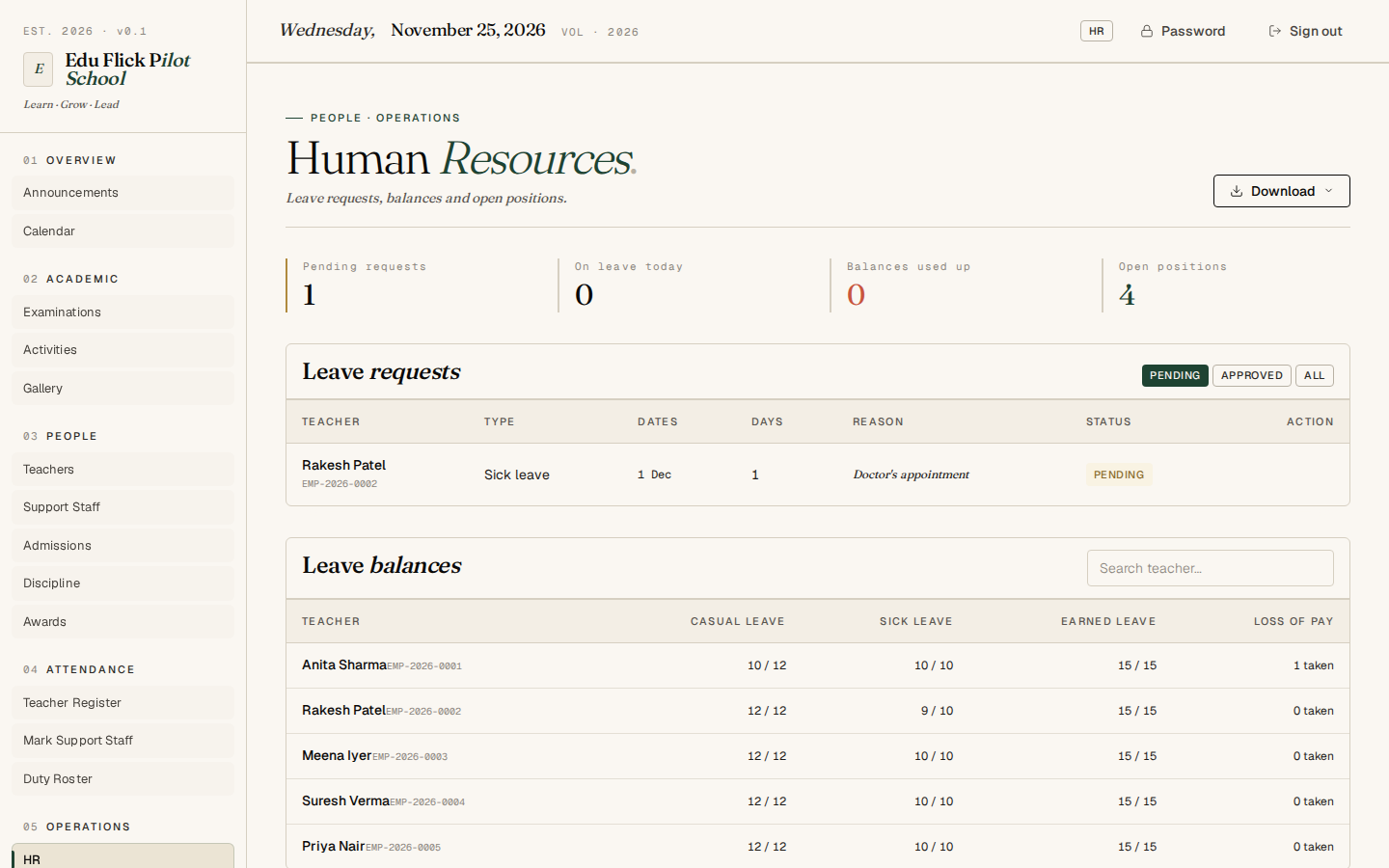
You land on Operations → HR. It shows Pending requests, who is On leave today, Leave requests (approved by the Principal or SuperAdmin), leave Balances, and the recruitment register (Open positions, applicants).
Everyday tasks
| Task | Where | How-to |
|---|---|---|
| Follow teacher leave requests and balances | Operations → HR (the Principal approves) | Leave |
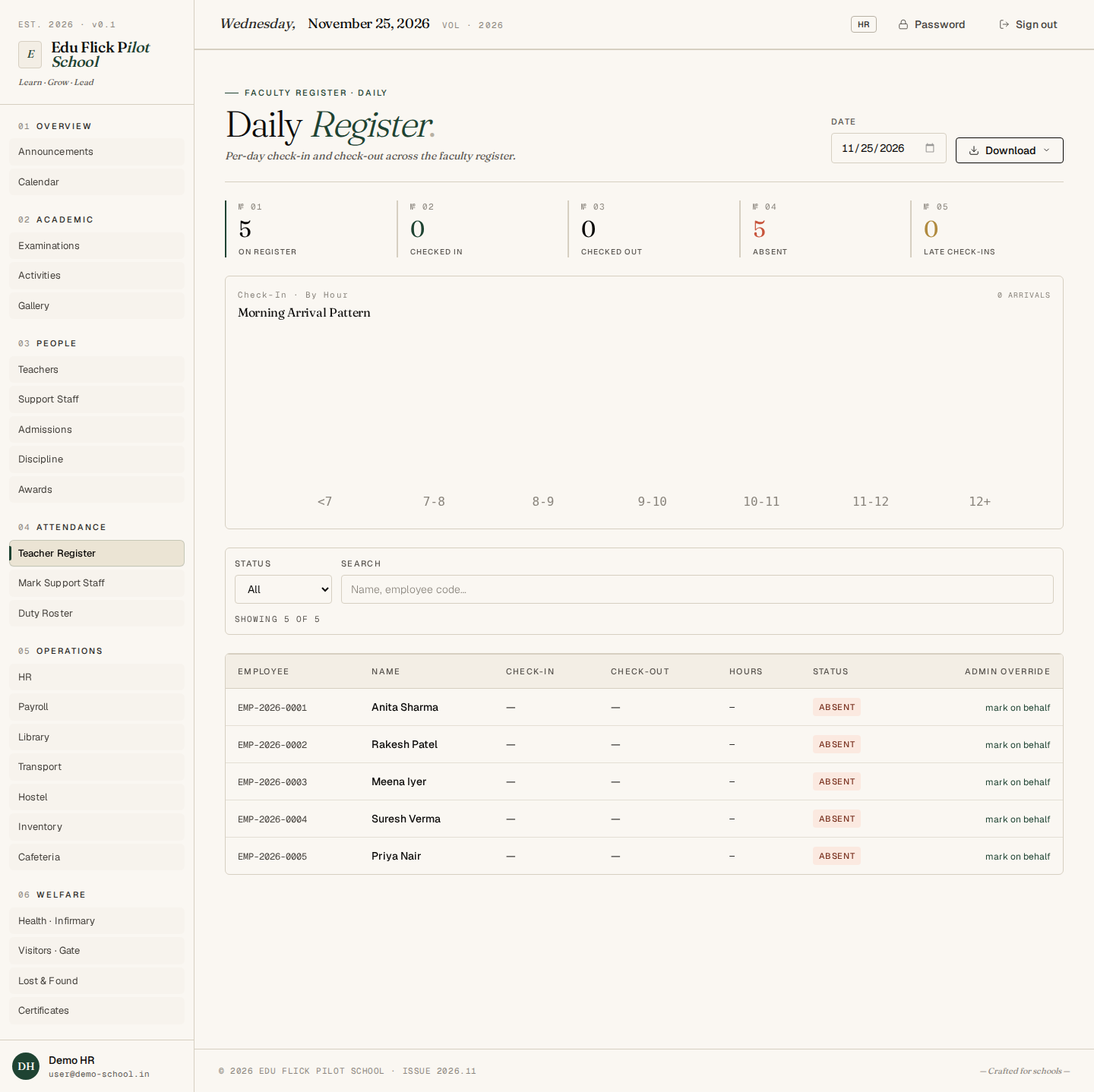
| Check who checked in today | Attendance → Teacher Register | |
| Mark support staff attendance | Attendance → Mark Support Staff | |
| Add a teacher or support staff member | People → Teachers → Onboard Teacher, People → Support Staff | |
| Track admissions enquiries | People → Admissions | |
| Record an opening and applicants | Operations → HR (recruitment) | |
| Run payroll | Operations → Payroll | Run monthly payroll |
| Visitors at the gate, infirmary visits | Welfare → Visitors · Gate, Health · Infirmary |