Transport
Routes and riders, never over capacity.
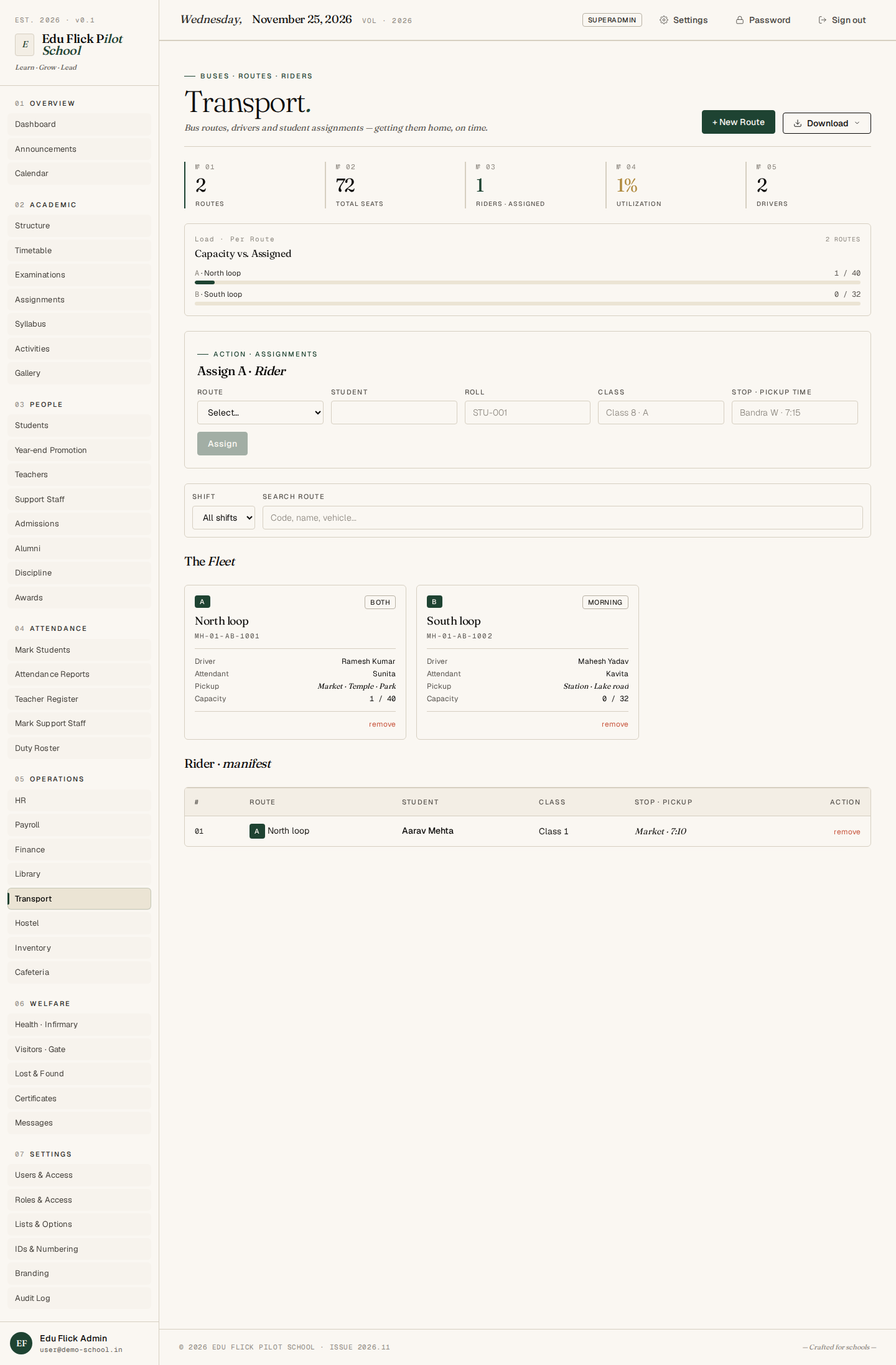
Bus routes with drivers, stops and the students on each.
Keep every school bus route and the students who ride it.
Where to find it: Operations → Transport.
Who uses it
Roles
- Staff can view routes and riders.
- SuperAdmin, Principal, HR and Accountant add and change them.
What you can do
Today · live
- Add a route: name, driver, attendant, vehicle number, seats, pickup stops, drop point and shift (morning, evening or both).
- Assign students to a route with their stop and pickup time; remove riders.
- See seats used per route; download CSV or print.
How to
Add a rider
- In Assign a rider, pick the route, enter the student's name, roll and class and the stop with time, then Assign.
Good to know
Rules the system applies
- Routes get the next free letter (A, B, C…) unless you give a code.
- A full route refuses another rider; seats can't be set below the current riders.
- Removing a route also removes its rider list.