Principal guide
The Principal is the school's full administrator, except for anything that touches a SuperAdmin account.
After you sign in
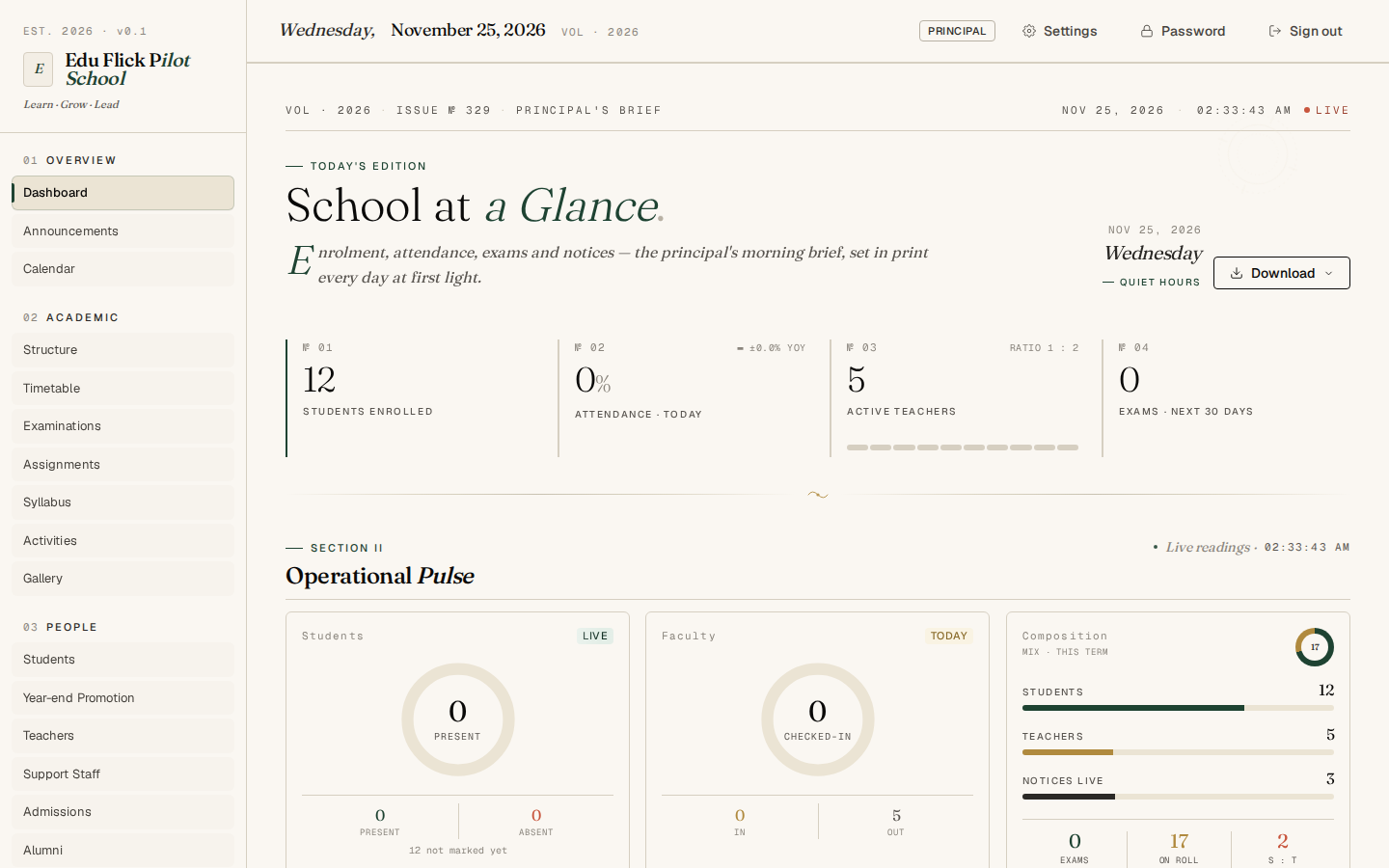
You land on the Dashboard with the day at a glance: attendance, fees collected and outstanding, who is on duty, upcoming events and birthdays.
Everyday tasks
| Task | Where | How-to |
|---|---|---|
| Post a notice to staff, parents or students | Overview → Announcements | Post an announcement |
| Check today's attendance or mark a class | Attendance → Mark Students, Attendance Reports | Mark attendance |
| Approve or reject teacher leave | Operations → HR | Leave |
| Correct attendance older than 24 hours | Attendance → Mark Students (only Principal and SuperAdmin can) | |
| Exams, marks and report cards | Academic → Examinations | Exam marks and results |
| Approve the monthly payroll | Operations → Payroll | Run monthly payroll |
| Fee collection, defaulters, cancel a wrong payment | Operations → Finance | Collect a fee |
| Year-end promotion | People → Year-end Promotion | Students |
| Users, lists, numbering, branding, audit log | Settings group in the sidebar | Settings |
Tip
Turn on two-factor sign-in: the Principal account can see and change everything in the school.