Teacher guide
After you sign in
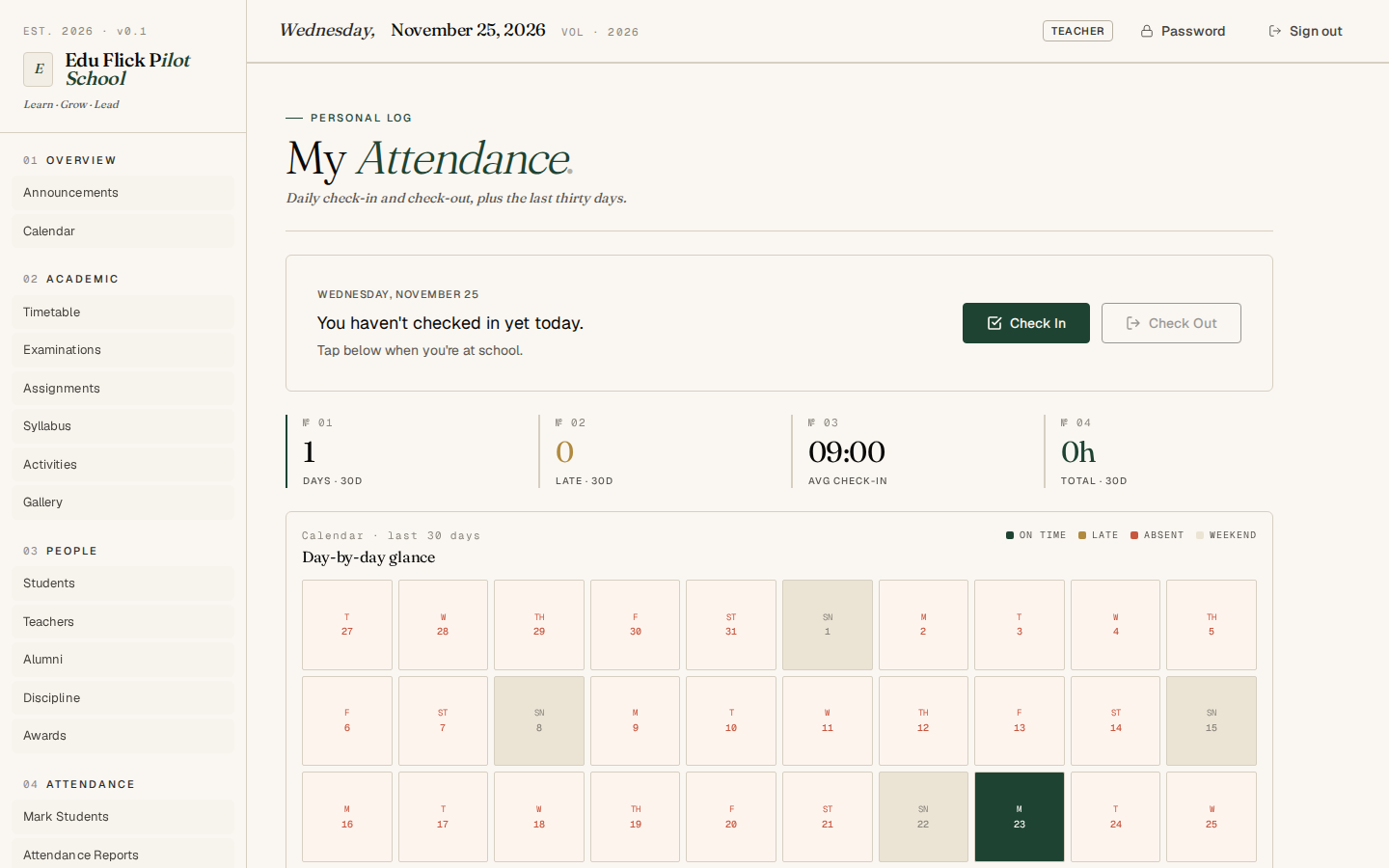
You land on My Check-In (Attendance group): press Check In when you reach school and Check Out when you leave. Below it you see your last 30 days — days present, late arrivals, average check-in time.
What you can open
- Overview: Announcements, Calendar.
- Academic: Timetable, Examinations (enter marks), Assignments (homework), Syllabus, Activities, Gallery.
- People: Students, Teachers, Alumni, Discipline, Awards.
- Attendance: Mark Students, Attendance Reports, My Check-In, My Leave, My Payslips, Duty Roster.
- Operations / Welfare: Library, Transport, Cafeteria, Health · Infirmary, Lost & Found, Messages (with parents).
Everyday tasks
| Task | Where | How-to |
|---|---|---|
| Check in and out | Attendance → My Check-In | above |
| Mark your class's attendance | Attendance → Mark Students | Mark attendance |
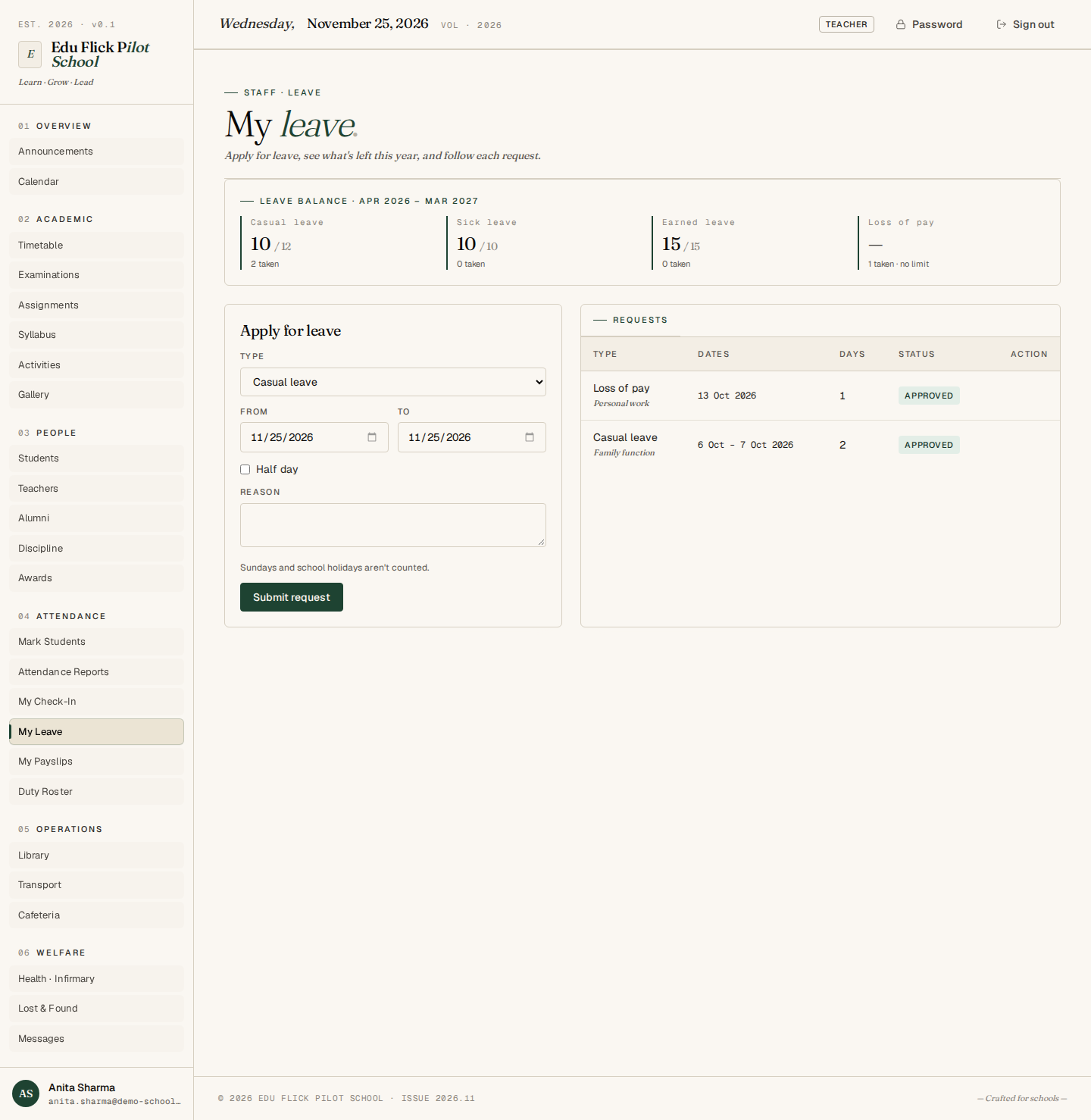
| Apply for leave, see your balance | Attendance → My Leave | Leave |
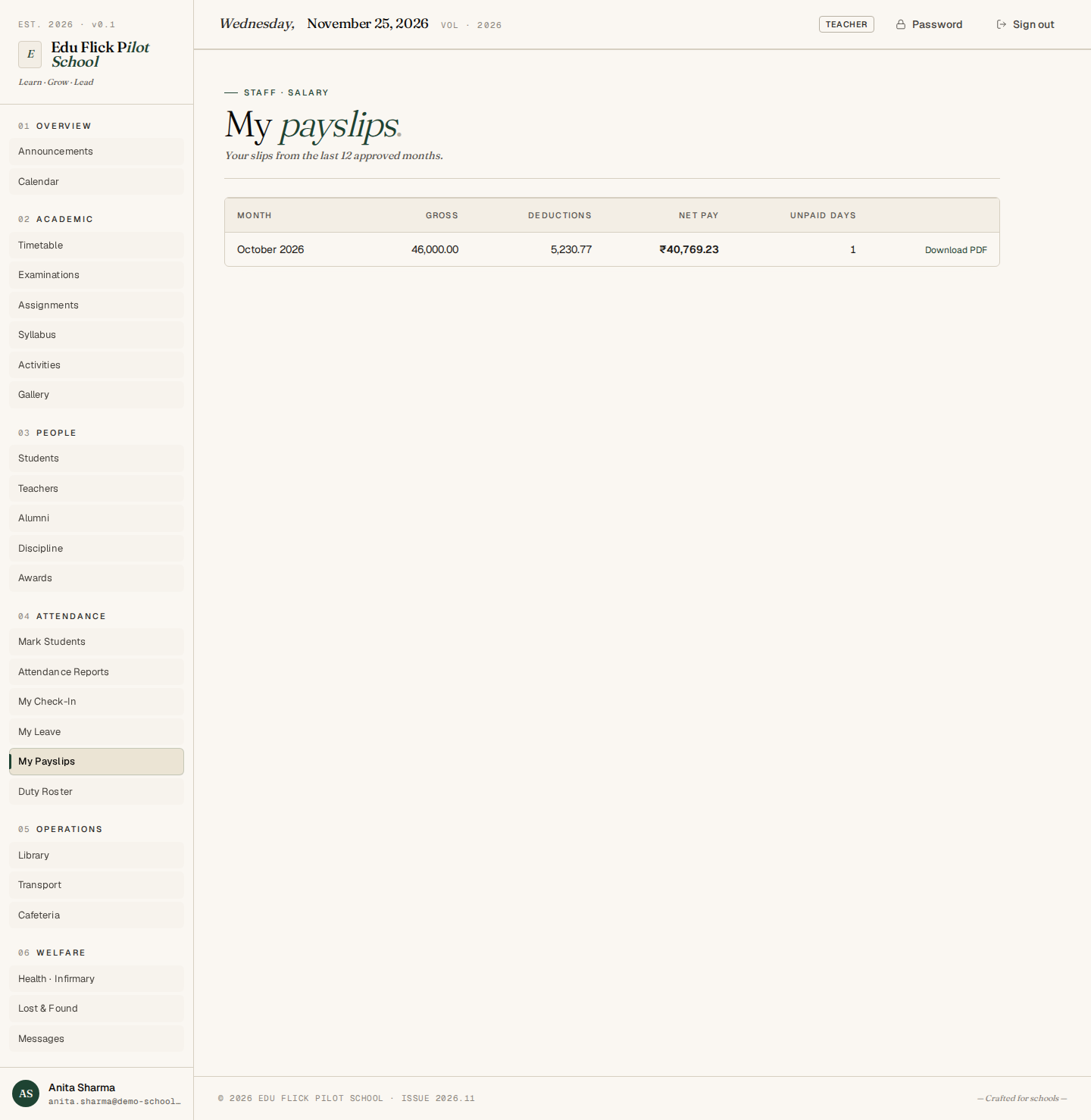
| Download your payslip | Attendance → My Payslips | |
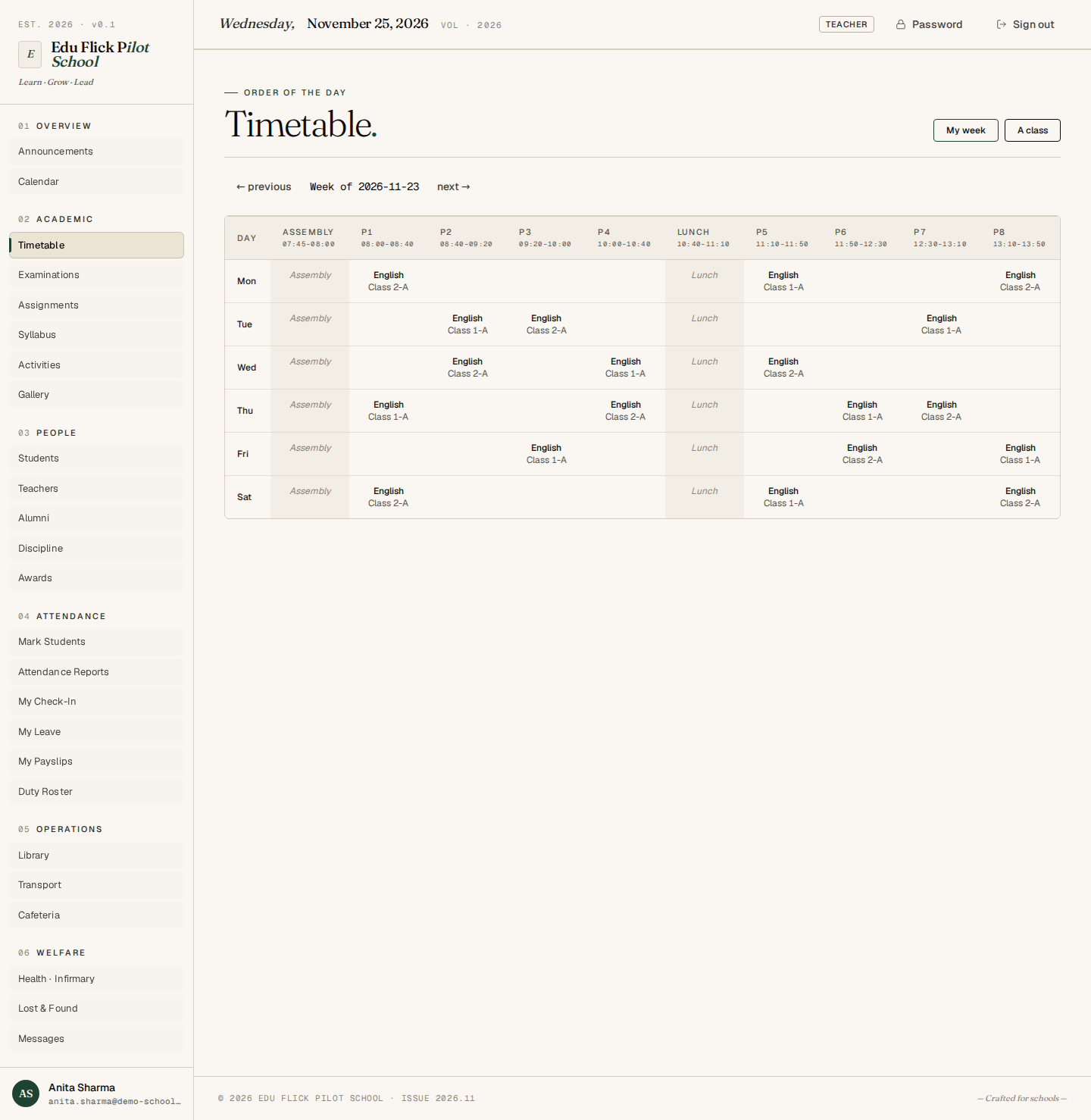
| See your week | Academic → Timetable → My week | |
| Set homework | Academic → Assignments | Homework |
| Enter exam marks | Academic → Examinations → Marks on the exam's row | Enter exam marks |
| Reply to a parent | Welfare → Messages | Messages |