Accountant guide
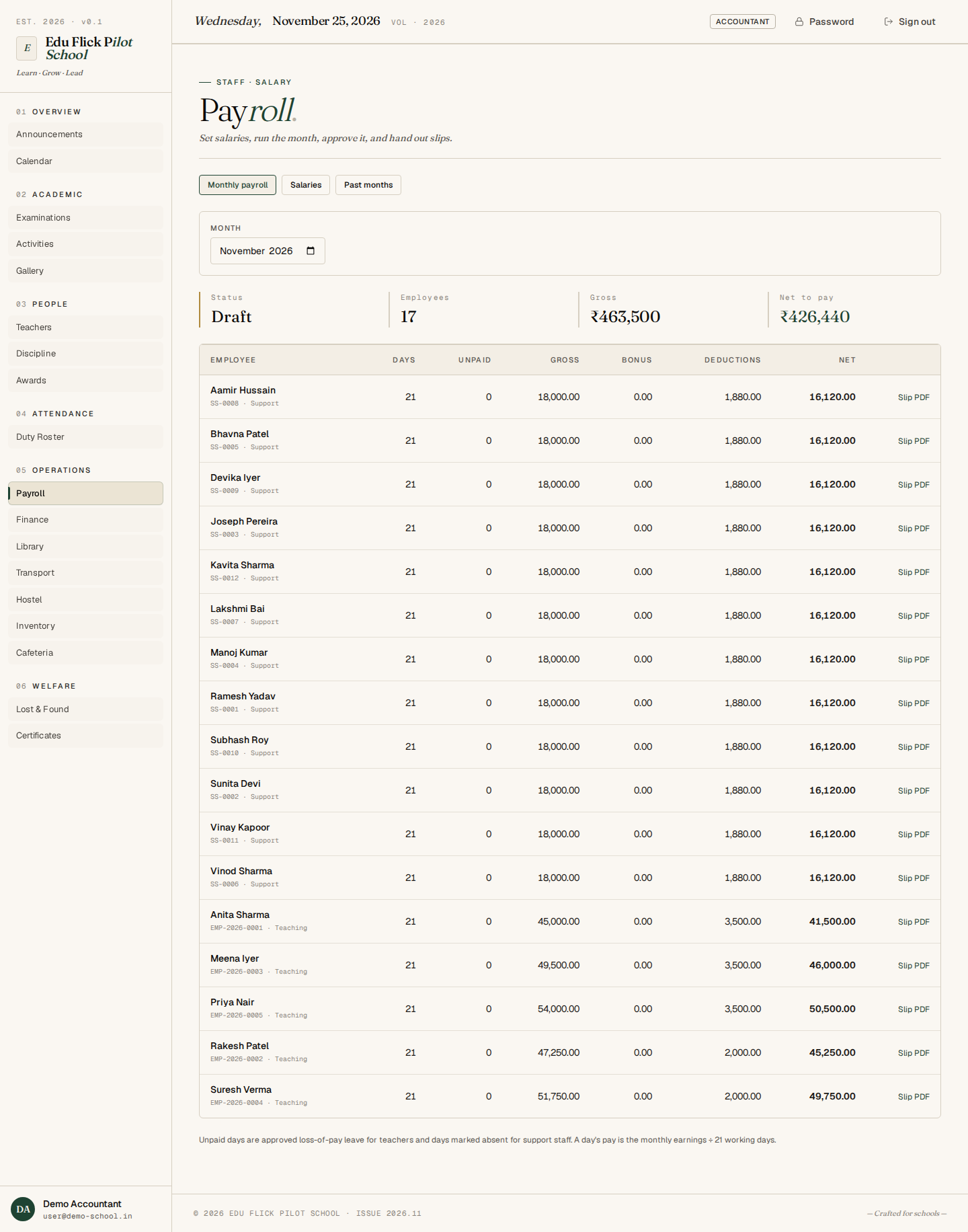
The Accountant handles fees, income and expenses, and helps with payroll.
After you sign in
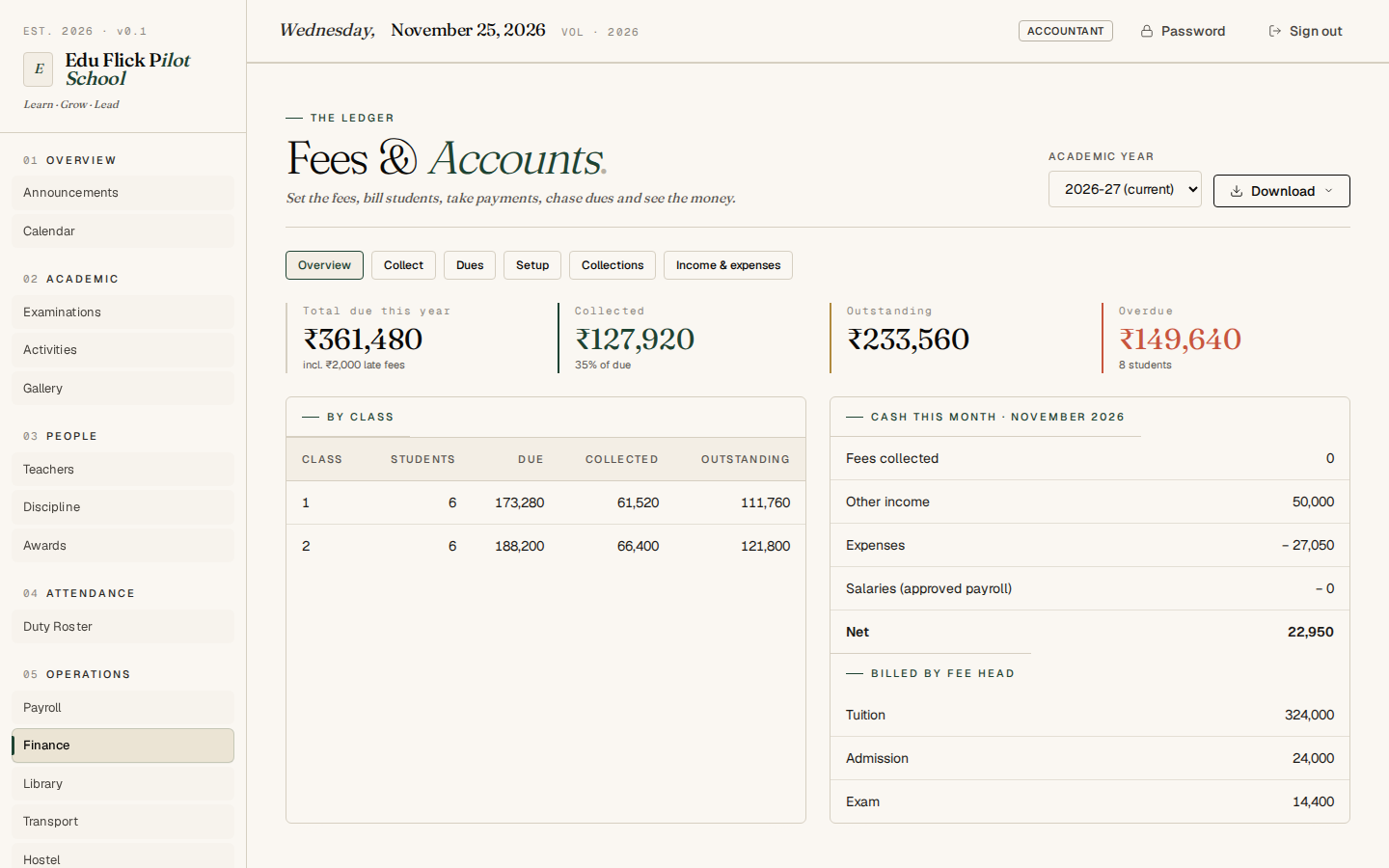
You land on Operations → Finance. Its tabs are Overview (collected, outstanding, overdue), Collect, Dues, Setup (fee structures and concessions), Collections and Income & expenses.
Everyday tasks
| Task | Where |
|---|---|
| Collect a fee and print the receipt | Finance → Collect — receipts are numbered RCT-YYYY-NNNN · step by step |
| See who has not paid | Finance → Dues · step by step |
| Day or month collection report | Finance → Collections |
| Record an expense or other income | Finance → Income & expenses |
| See the salary register and slips | Operations → Payroll (view only; HR, Principal or SuperAdmin run and approve it) |
You can also open Teachers, Discipline, Awards, Duty Roster, Transport, Hostel, Inventory and the shared screens (Announcements, Calendar, Library, Cafeteria).
See Fees & accounts and Payroll for the details.